Sales
Manage your clients and sales orders efficiently and in an organized manner
Selling, from order to cash
Do it by hand, or let the AI assistant build the order. Stock and invoicing follow on their own.
By hand
1
I add my client
Contact details and terms, just once.
2
I create the order
I pick items from my catalog; taxes are computed.
3
I confirm and deliver
Stock decrements on its own; the delivery note is generated.
4
I invoice
An invoice is born from the order, in one click.
5
I get paid
Payment is tracked all the way to "paid".
Or let your AI assistant build the order
A request comes in by email or phone? Hand it to the assistant.
You
You pass on the request
The items and quantities the client wants.
The AI assistant prepares everything
Creates the client if needed
Builds the order at the right prices
Computes the taxes (GST, QST)
Prepares the delivery and the invoice
You
You confirm and send
You keep the final say.
The payoff: the order goes from phone call to "ready to ship" in seconds — with no pricing or tax errors.
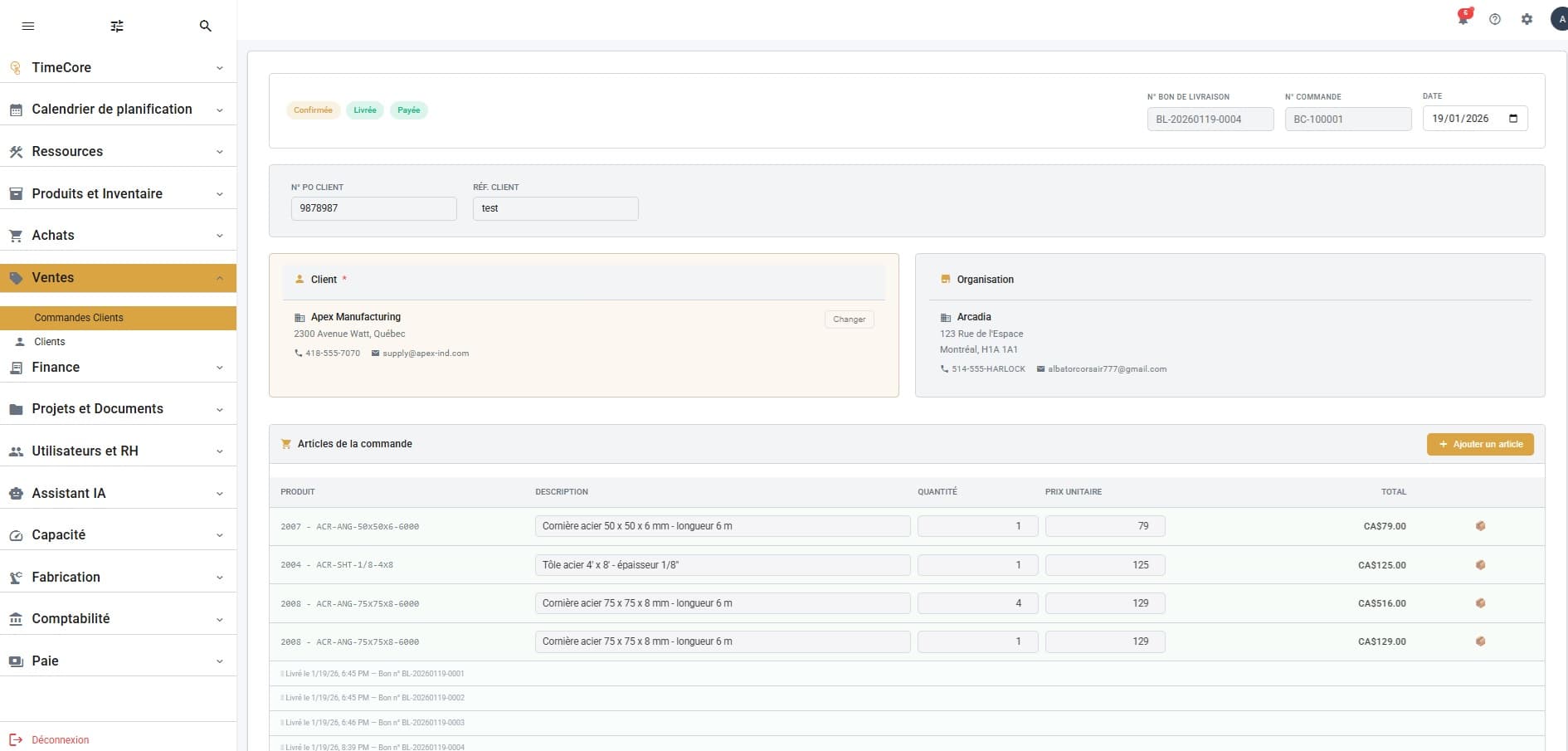
Client Orders
Create, track and manage your client orders end-to-end: numbers, dates, amounts, statuses and full history. Search by order number or client in one click.
Clients
Centralize your client directory with complete profiles: name, address, contact info, order history and quick actions to create or update a client.