Projects and Documents
Manage your projects, activities and documents in a centralized and efficient way
Running a project, from quote to delivery
Do it by hand, or let the AI assistant structure the project for you. You stay on top of costs and deadlines.
Or let your AI assistant build the project
Got an accepted quote? Hand it to the assistant. It structures the whole project for you.
Projects
Create and manage your projects with client tracking, start/end dates, deadlines and real-time status updates.
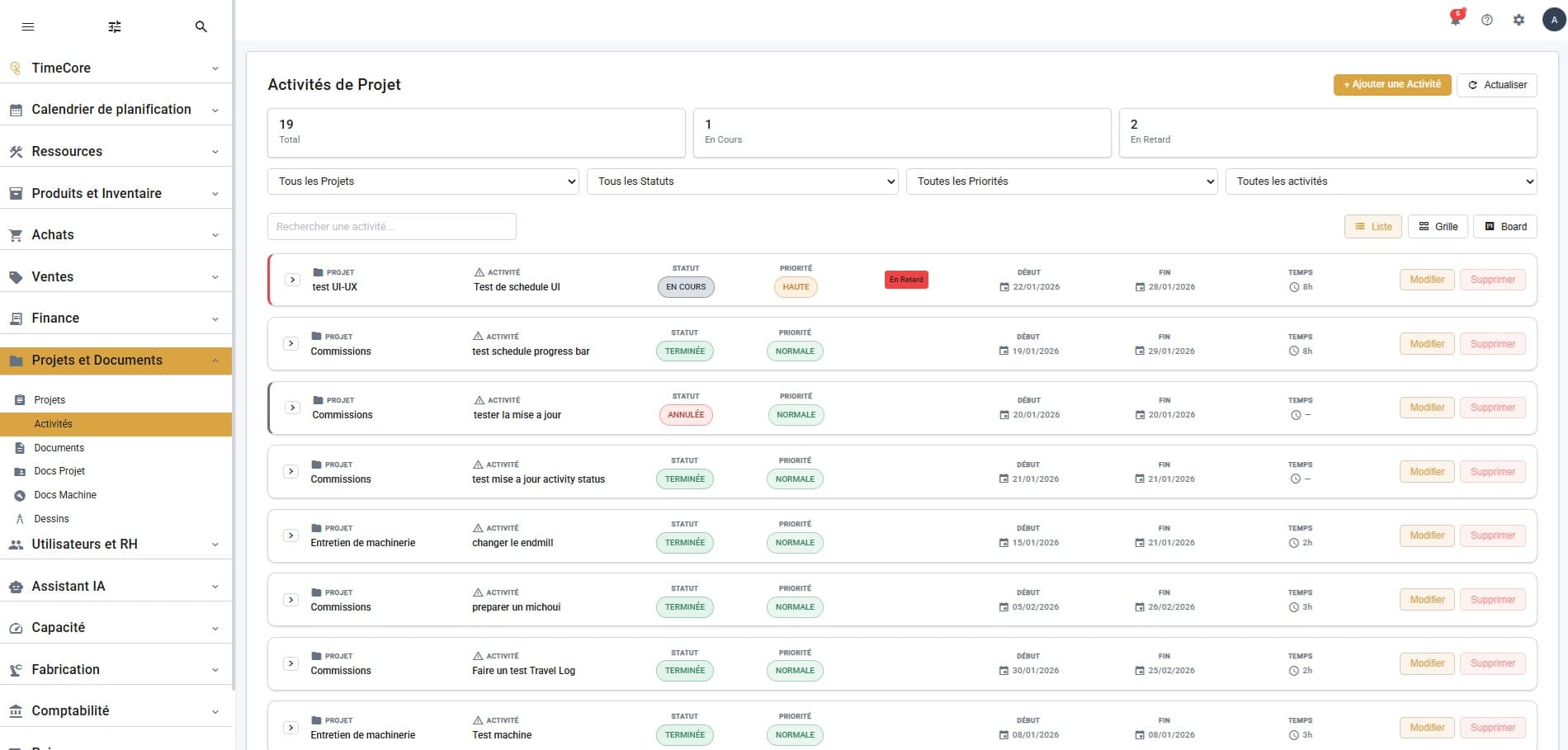
Activities
Plan your project activities with priorities, estimated hours and detailed progress tracking.
Documents
Centralize all your business documents with search, filters by project/type and simplified management.
Project Docs
Link documents to your projects: plans, specifications, reports. Quick access by project with type-based organization.
Machine Docs
Centralize technical documentation for your machines and equipment: manuals, spec sheets, certificates and maintenance procedures.
Drawings
Manage your technical drawings and CAD plans with versioning, built-in preview and direct association to projects and machines.