Finance
Invoice your clients, track your margins and monitor the profitability of every project
From invoice to margin
Invoice, get paid, and see in real time what each project really earns you — no spreadsheet.
Or ask your AI assistant
"Invoice order #1234" or "What's the margin on the North Tower project?"
Invoices
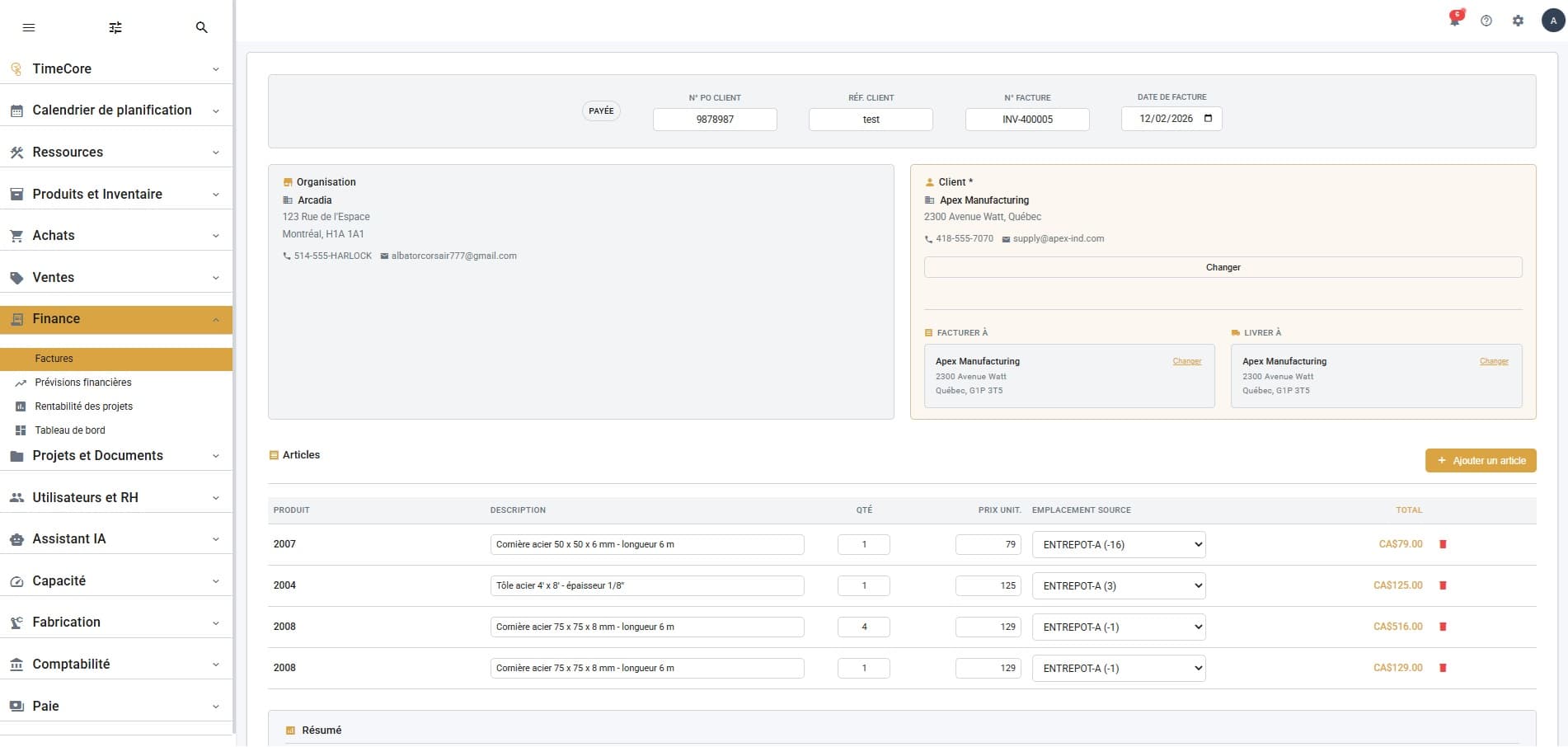
Create invoices with detailed line items, taxes and subtotals. Track each invoice status (draft, sent, paid) and manage cancellations in a few clicks.
Financial Forecasts
Track your revenue and expenses by week, month or quarter, set your margin targets and compare them to actual results to adjust your strategy.
Project Profitability
Analyze the true profitability of each project: hours worked, materials consumed, machine costs vs invoiced revenue. Identify your most profitable projects.
Dashboard
Real-time overview of your financial health: revenue, expenses, active projects, overrun alerts and key performance indicators.