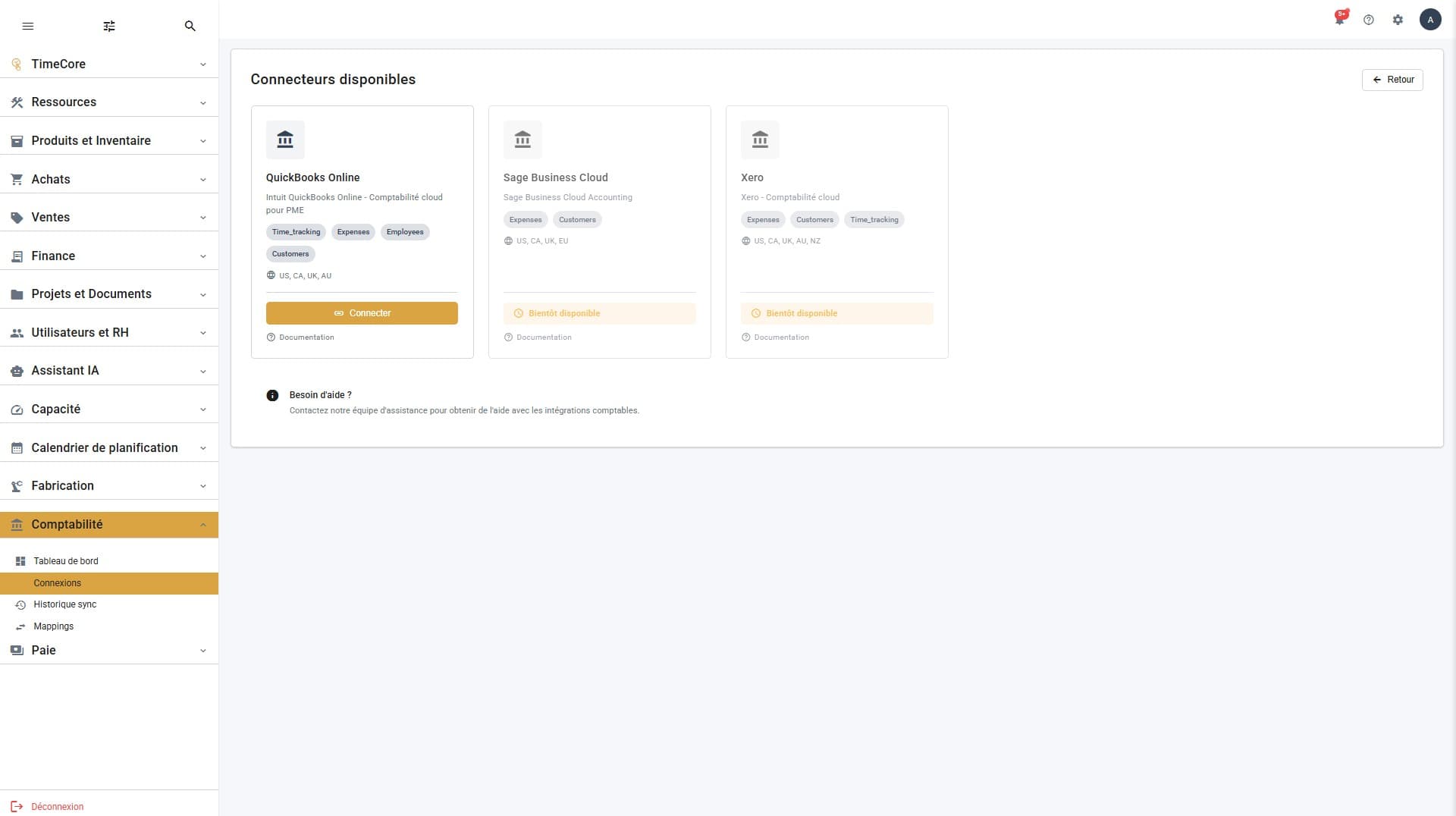
Accounting Integration
Connect QuickBooks and send your data in one click
Your data in your accounting, no re-entry
Connect QuickBooks once, and send your hours and expenses in one click — every push is logged.
By hand
1
I connect QuickBooks
Securely (OAuth), just once.
2
I set the mapping
I link my employees and accounts to QuickBooks; auto-match suggests the pairs.
3
I send my data
Hours and expenses go to QuickBooks, in one click.
4
I track the history
Every push is logged; I retry failures in one click.
Or ask your AI assistant
"Sync this month's expenses to QuickBooks."
You
You give the instruction
What to sync, and the period.
The AI assistant handles it
Suggests the missing matches
Launches the sync
Pushes hours and expenses to QuickBooks
Flags successes and failures
You
You stay in the loop
You see what went through, and retry if needed.
The gain: your accounting kept up to date with no double entry or copy-paste.
Dashboard
Overview of your accounting integration: connection status, sync statistics and quick actions.
Connections
Connect GestFlow to QuickBooks Online (Sage and Xero coming soon). Setup in a few clicks, secure connection.
Sync History
View the complete synchronization history: successes, errors and detailed logs. Export reports for analysis.
Mappings
Associate your GestFlow entities (employees, projects, accounts) with your accounting system. Auto-match or manual configuration.